
Guide · November 13, 2026
How to revise an estimate and keep the original
💬 CommentsYou sent an estimate. The client calls back: "Can you do it without the tile upgrade?" You open the estimate, cut the lines, save. A week later they say "let's go with the first one after all", and the first one no longer exists.
Why editing the sent estimate causes trouble
An estimate the client has seen is a promise on paper. When you change it in place, you and the client may be looking at two different numbers and not know it.
It also hides your own history. You cannot see what you first offered, what the client pushed back on, and what you gave up to close the job.
A simple rule for versions
- Never change an estimate the client already has. Make a new version next to it.
- Put the difference in the name: "Kitchen, no tile upgrade", not "Kitchen 2".
- Send the new version as its own estimate, with its own total.
- Keep the old one until the client signs. Then archive the version they did not pick.
- After the signature, extra work is a change order, not a quiet edit of the signed estimate.
How it works in WorkTime CRM
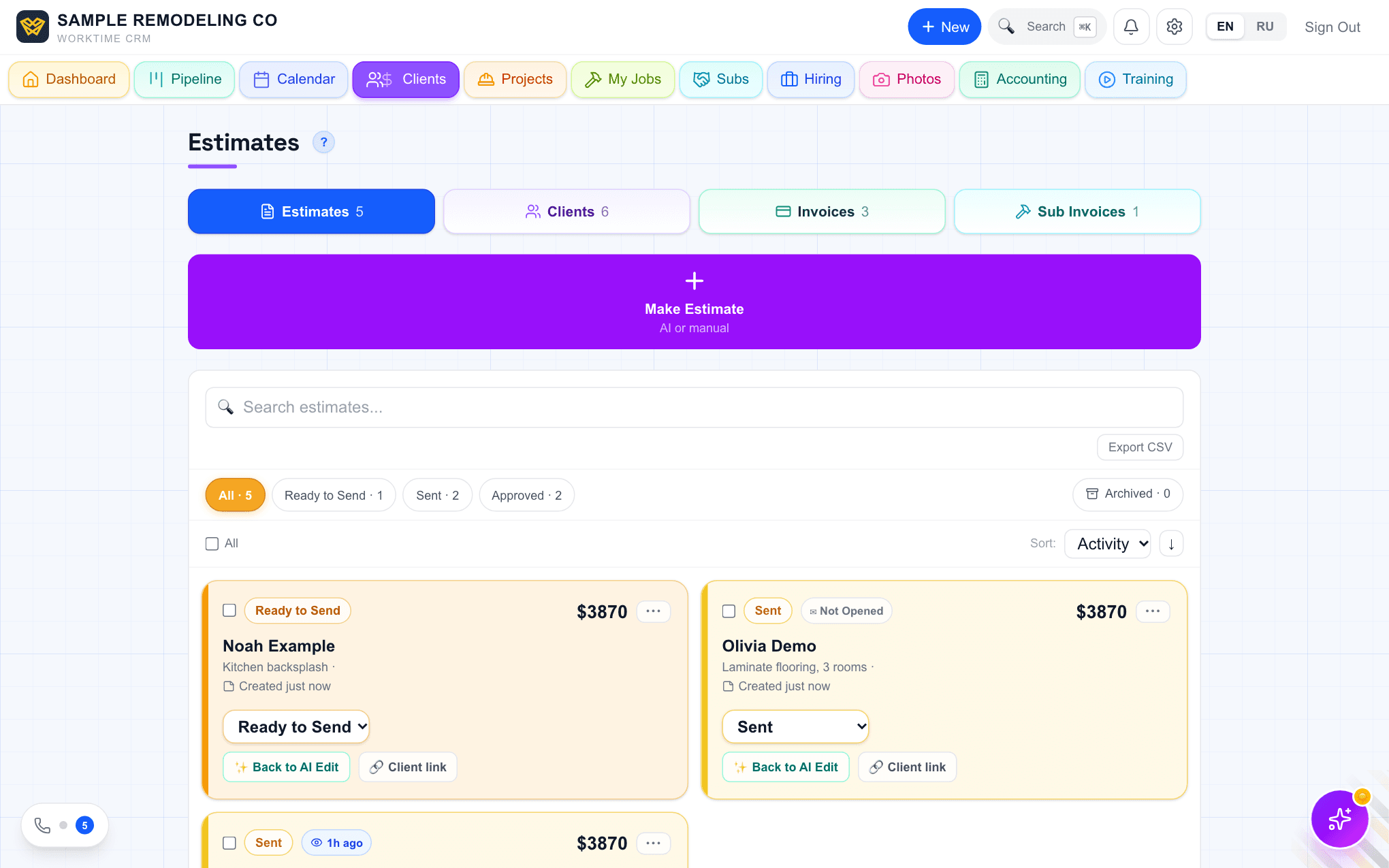
Open Estimates and press "Back to AI Edit" on the card (or "✨ AI Edit" on the estimate page). Make your changes in the AI Estimator.
In the bar at the bottom, next to "💾 Update in CRM", press "📄 Save as a copy" (on a phone "📄 Copy"). Your changes go into a new estimate named "… (copy)" for the same client, with the same photos, contract, tax and payment plan. The old estimate stays exactly as it was. The note "Copy saved, the original is unchanged · Open original" takes you back to it.
The copy starts as never sent and is not attached to the job yet. Send it the usual way; the step-by-step tour shows each button. On the list you see when each version was sent and when the client opened it.
Once the client signs, that estimate is locked. Extra work goes in as a change order.
Questions
Does the copy keep the photos and the payment plan?+
Yes. The copy gets the same client, photos, contract, tax and payment plan. Only the lines you changed are different.
Can I still edit the original estimate?+
Yes. "Update in CRM" saves changes into the estimate you opened. Use "Save as a copy" only when you want a new version and the old one untouched.
What does WorkTime CRM cost?+
7 days free, no card needed, then $99 a month per company.
💬 Discuss this article
Comments, likes and Ivan's answers live on the original page.
Open the comments →Work Time CRM
Every lead gets an answer: AI on the phone, estimates from a photo, payments and the whole job in one app.
Read next
Original on app.worktimealliance.com/guides/revise-an-estimate-and-keep-the-original