
Guide · November 11, 2026
How to split leads between two salespeople
💬 CommentsYou hired a second estimator so leads get answered faster. Now a lead comes in and both of you see it. Each one thinks the other will call. Nobody does. Or both call, and the client hears two different stories.
A lead that belongs to everyone belongs to no one
When one person answers leads, there is no question who calls. With two, every lead needs a name on it from the first minute. Without a name, the fast and easy leads get grabbed and the hard ones sit.
Handing leads out by hand works, but then the owner becomes the bottleneck. A lead that waits for you to finish a job walk is a lead that waits too long.
Simple rules that keep it fair
- One lead, one name. The name is set when the lead arrives, not after someone finds time.
- Go in turn. The next lead goes to the next person, whatever the source or the size of the job.
- A client who comes back stays with the person who already knows them.
- A lead you found yourself is yours and does not cost you a turn.
- Passing a lead to someone else is allowed, but say it out loud and write it down.
- Everyone can still see every lead. If someone is out sick, another person picks it up.
How it works in WorkTime CRM
Open Settings → Team → Leads in turn. It is off by default. Press the big switch and tick who gets leads: you and every team member who can see clients. The order of the list is the queue, and the ▲ ▼ arrows move a person up or down.
From then on every new lead from any source (website, Thumbtack, Google, Facebook, calls, texts) goes to the next ticked person. They get a notification if they turned on push notifications or connected Telegram. Your own "New Lead" message says who it was assigned to.
A returning client stays with whoever has the card. A card a person makes themselves is theirs and does not move the queue. A phone call takes a turn only after it is checked, so a hang-up or a robocall never uses one up.
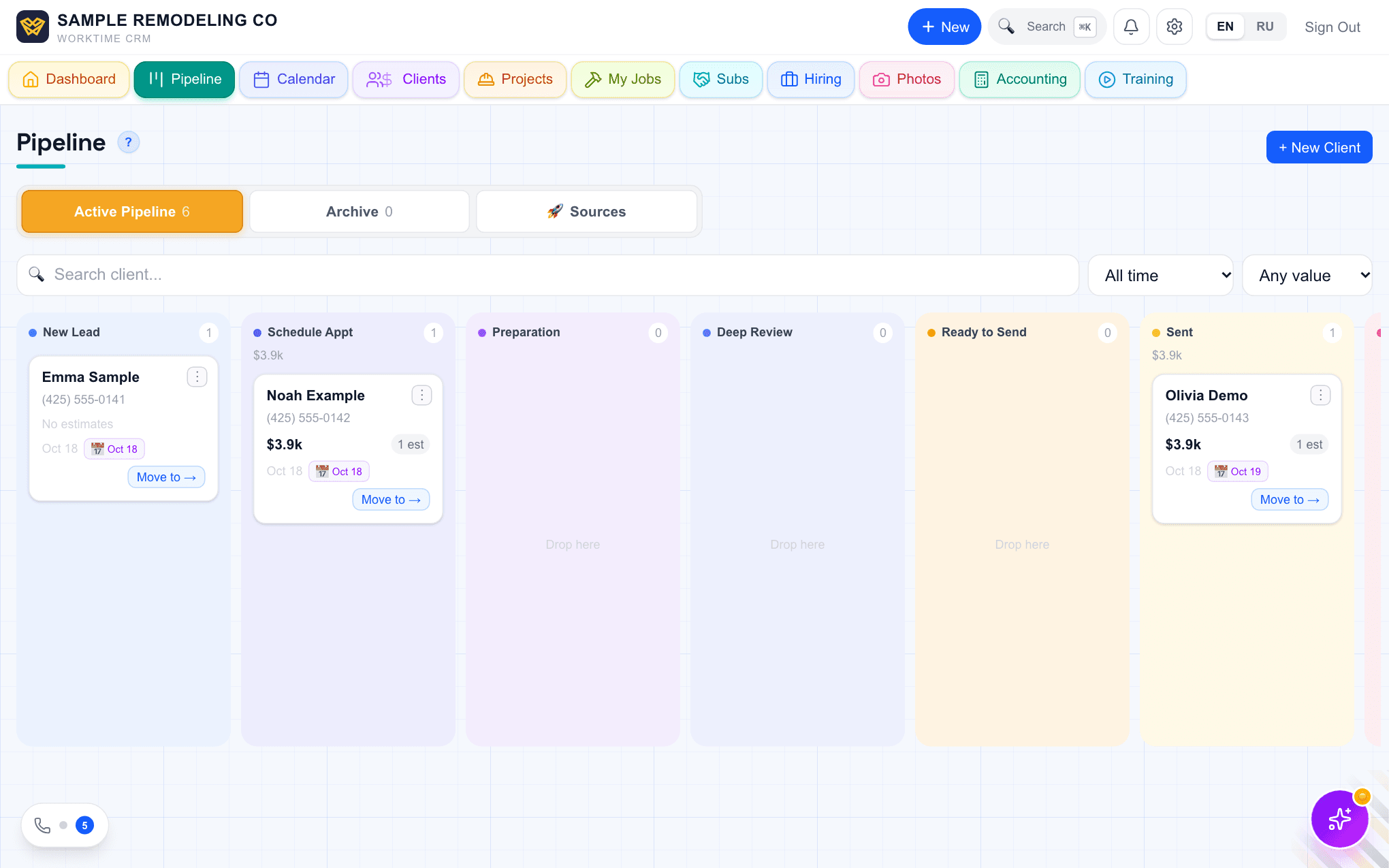
On Clients and on the Pipeline each card shows whose lead it is, and the "Mine" chip on Clients shows only yours. To pass a lead on, open the client card and pick another name under "Assigned to". The new person is notified. People who are not ticked still see all leads.
Questions
What if the person does not open the lead?+
It stays with them. WorkTime CRM does not pass a lead to the next person on its own after some minutes. The owner still sees every lead and can reassign it by hand on the client card.
Does someone who is not in the queue lose access to leads?+
No. A person who is not ticked gets no new leads but still sees all of them. Permissions do not change.
What does WorkTime CRM cost?+
7 days free, no card needed, then $99 a month per company.
💬 Discuss this article
Comments, likes and Ivan's answers live on the original page.
Open the comments →Work Time CRM
Every lead gets an answer: AI on the phone, estimates from a photo, payments and the whole job in one app.
Read next
Original on app.worktimealliance.com/guides/split-leads-between-salespeople